Batch apply lets you edit the same parameter on several weld nodes at once — for example, setting the travel speed for every seam in a program in a single step, instead of opening each node individually.
Select multiple nodes
- On the program screen, open the ⋮ menu in the program header and tap Select to enter selection mode.
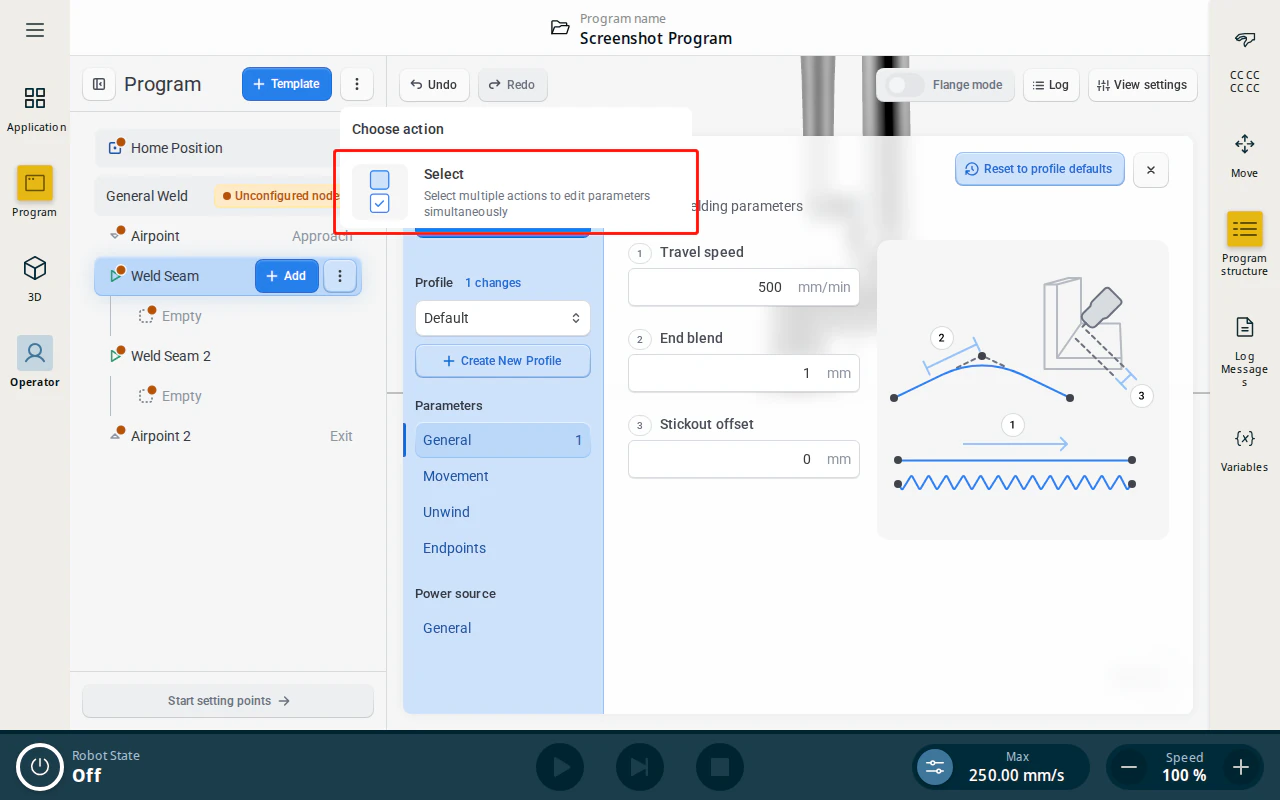
- Tap each node you want to edit together.
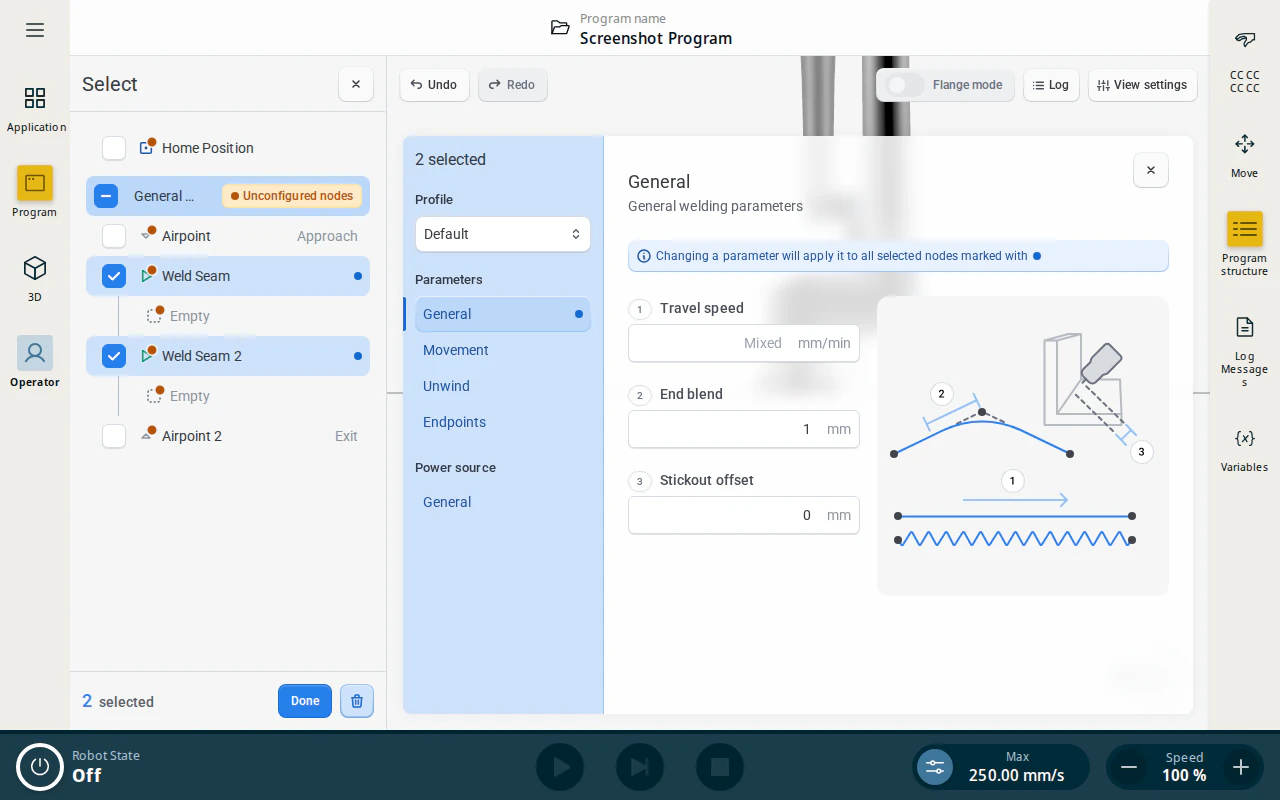
Edit shared parameters
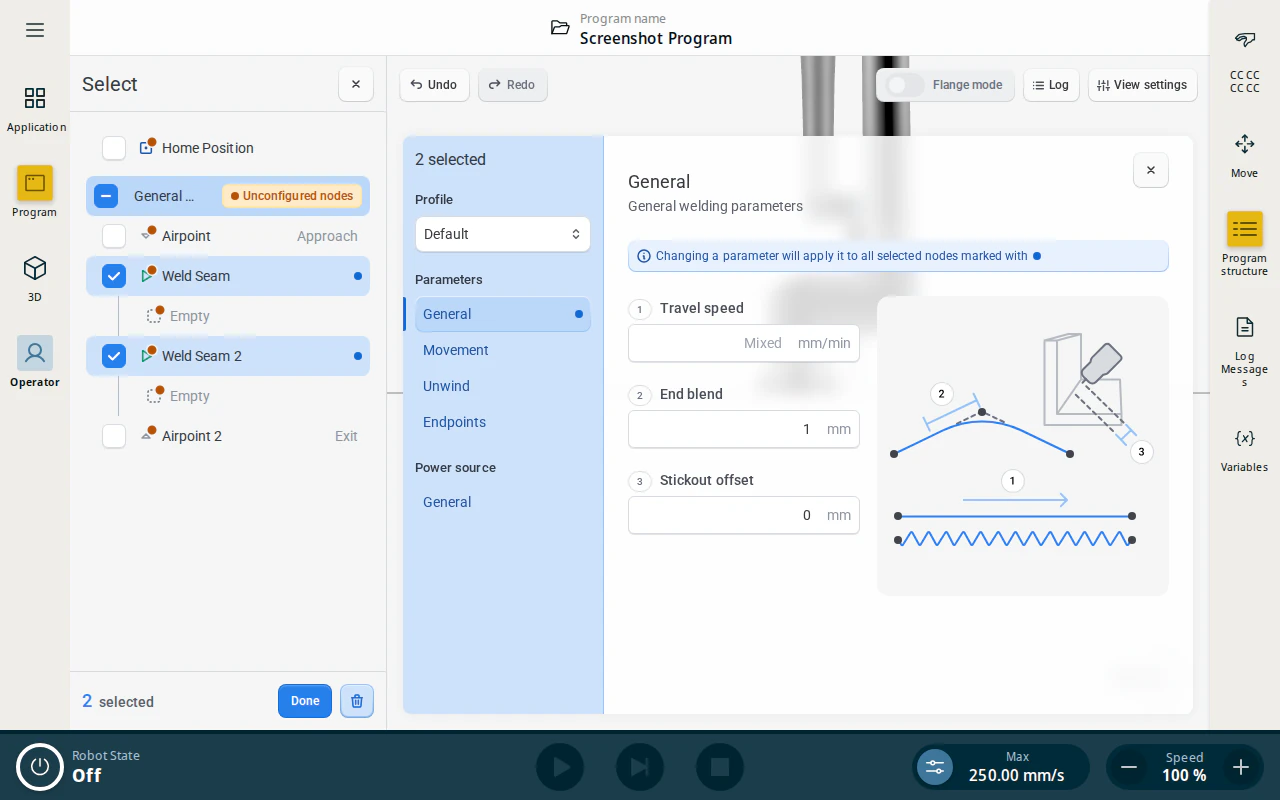
- Open a parameter tab (for example General, on segment nodes). A tab is offered when at least one selected node owns it, so selecting nodes of different types offers the union of their parameters. A field whose value differs between the selected nodes shows Mixed; fields that already match show their common value.
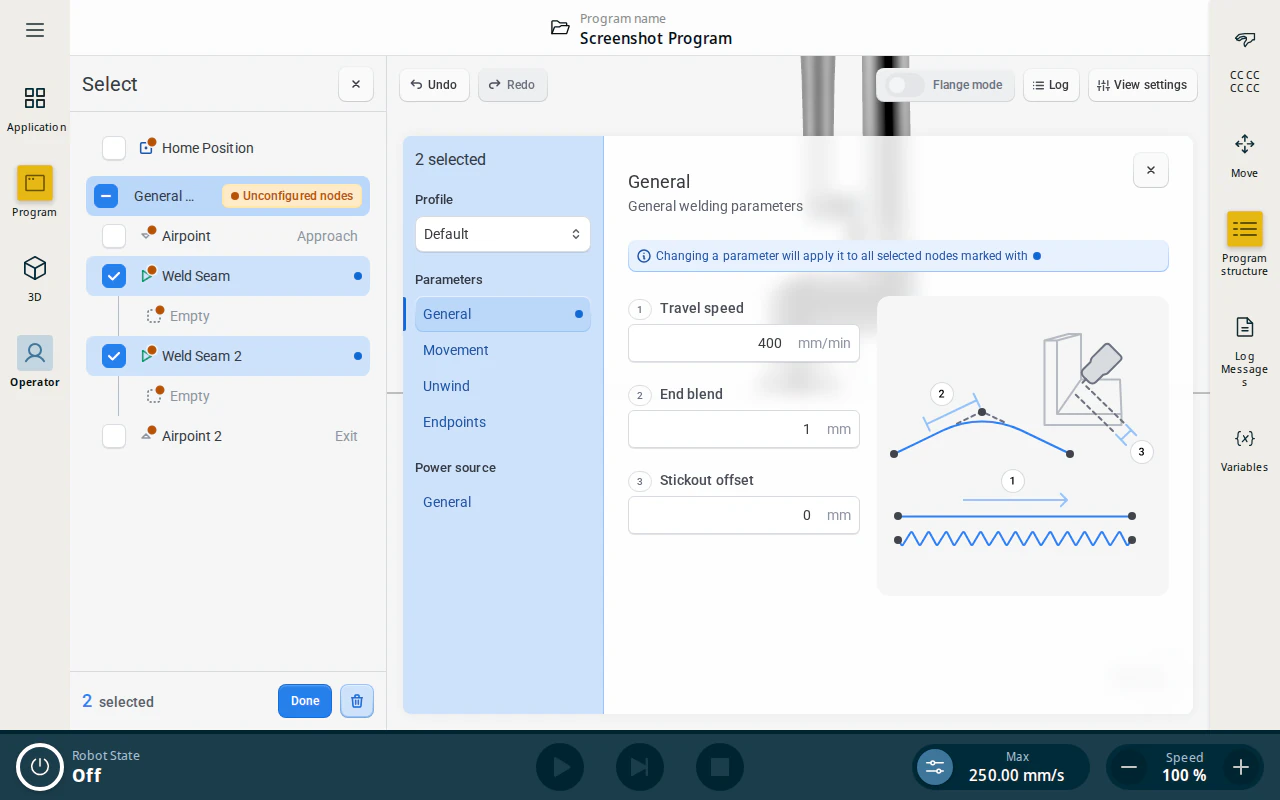
- Enter a value. It is applied to all selected nodes at once, and the field stops showing Mixed.
Note
Only the parameters shared by the selected node types can be batch-edited. Fields left untouched keep each node’s own value — editing a field only overwrites it on every selected node when you change it.
When you are done, close selection mode with the ✕ in the selection header.