Before installing the SmoothTool X URCap, you must set a new admin password on the robot.
Note
The default admin password is easybot. This must be changed before proceeding.
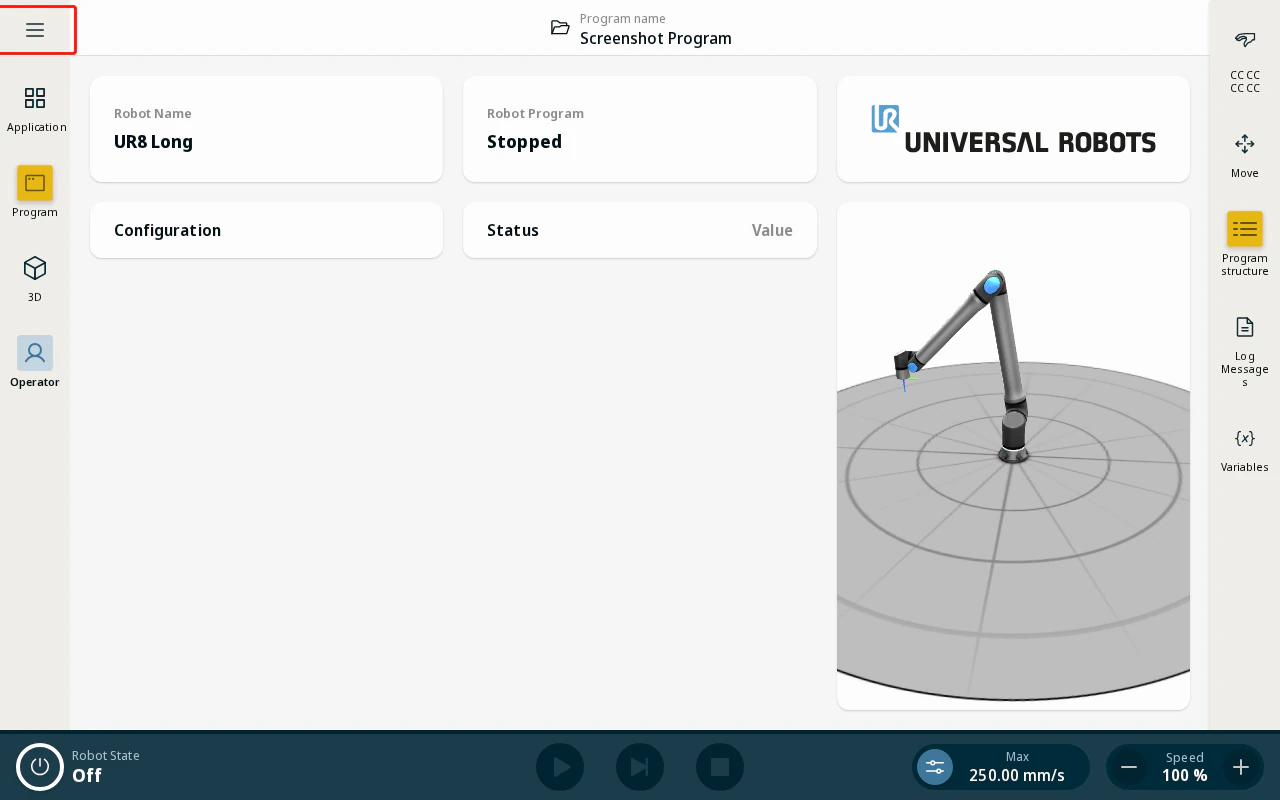
- On the robot pendant, tap the hamburger menu icon in the top-right corner of the operator screen.
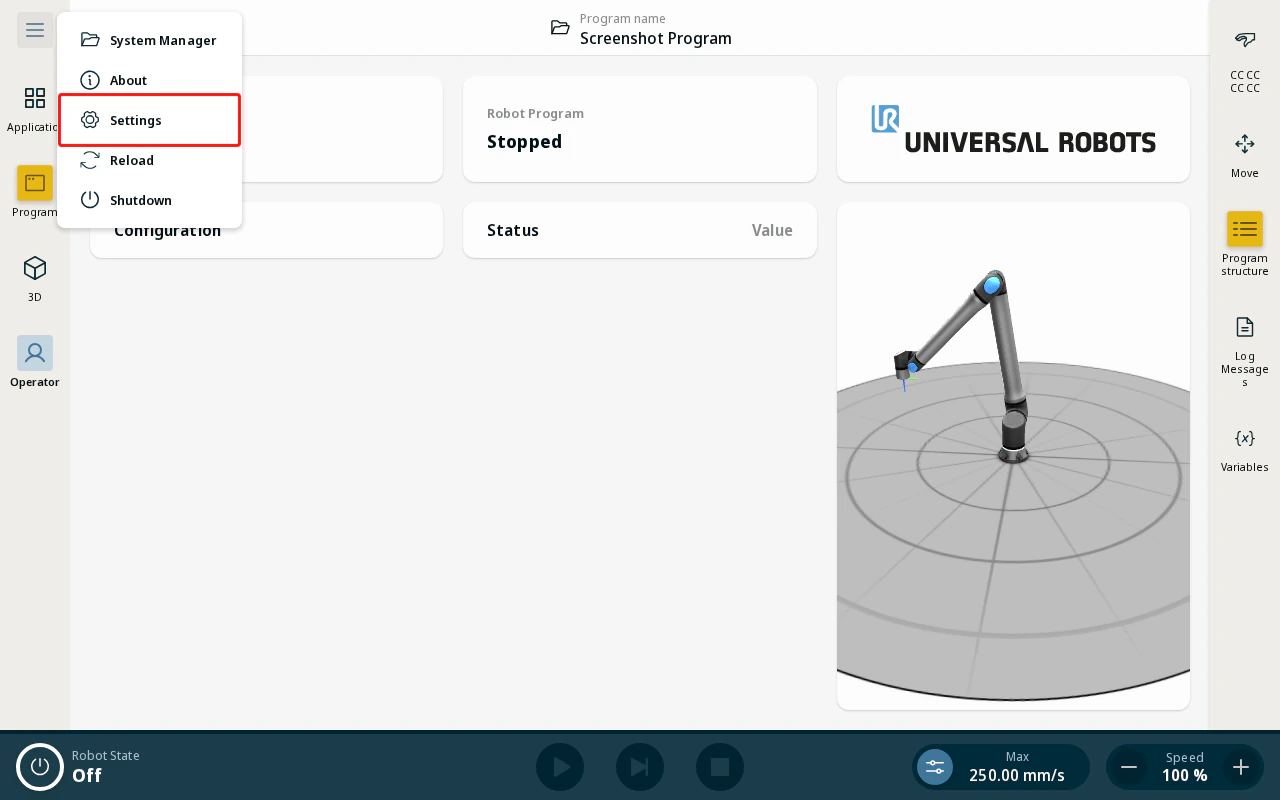
- Tap Settings from the menu.
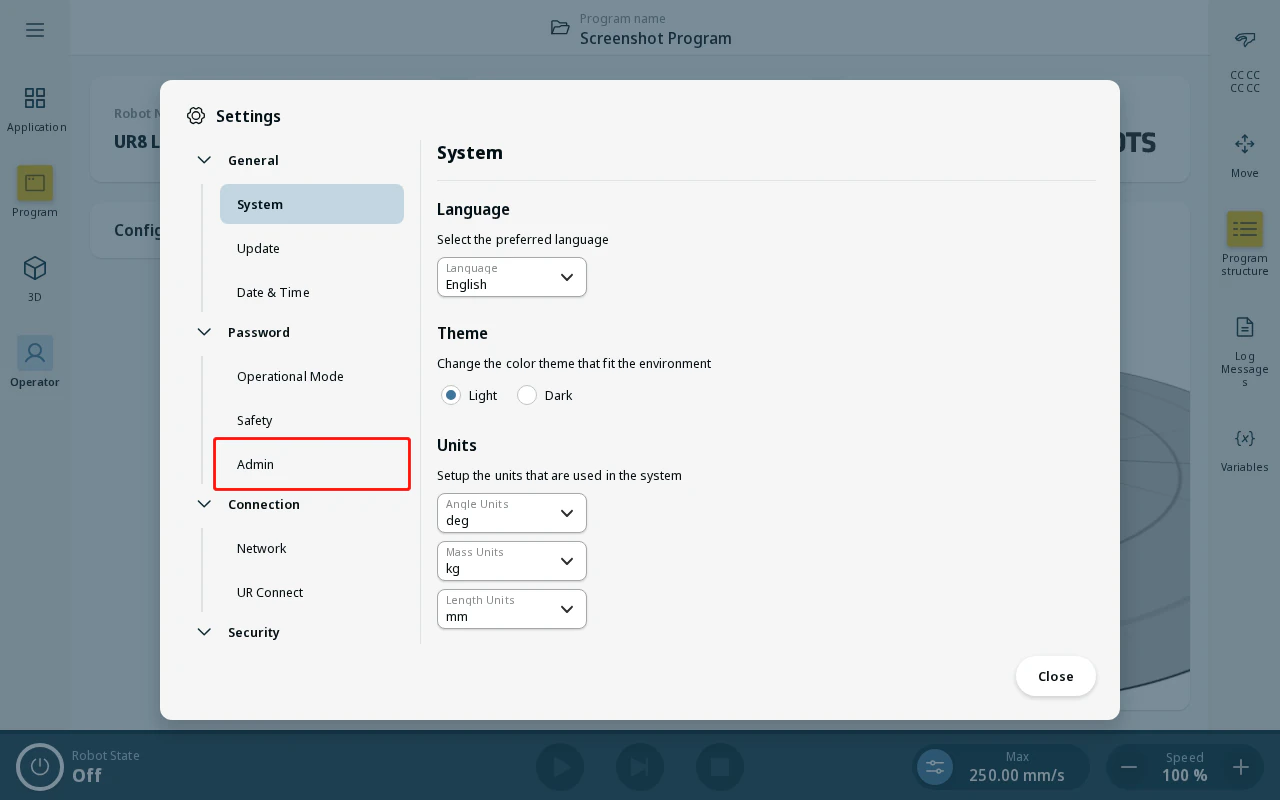
- In the Settings panel, tap Admin.
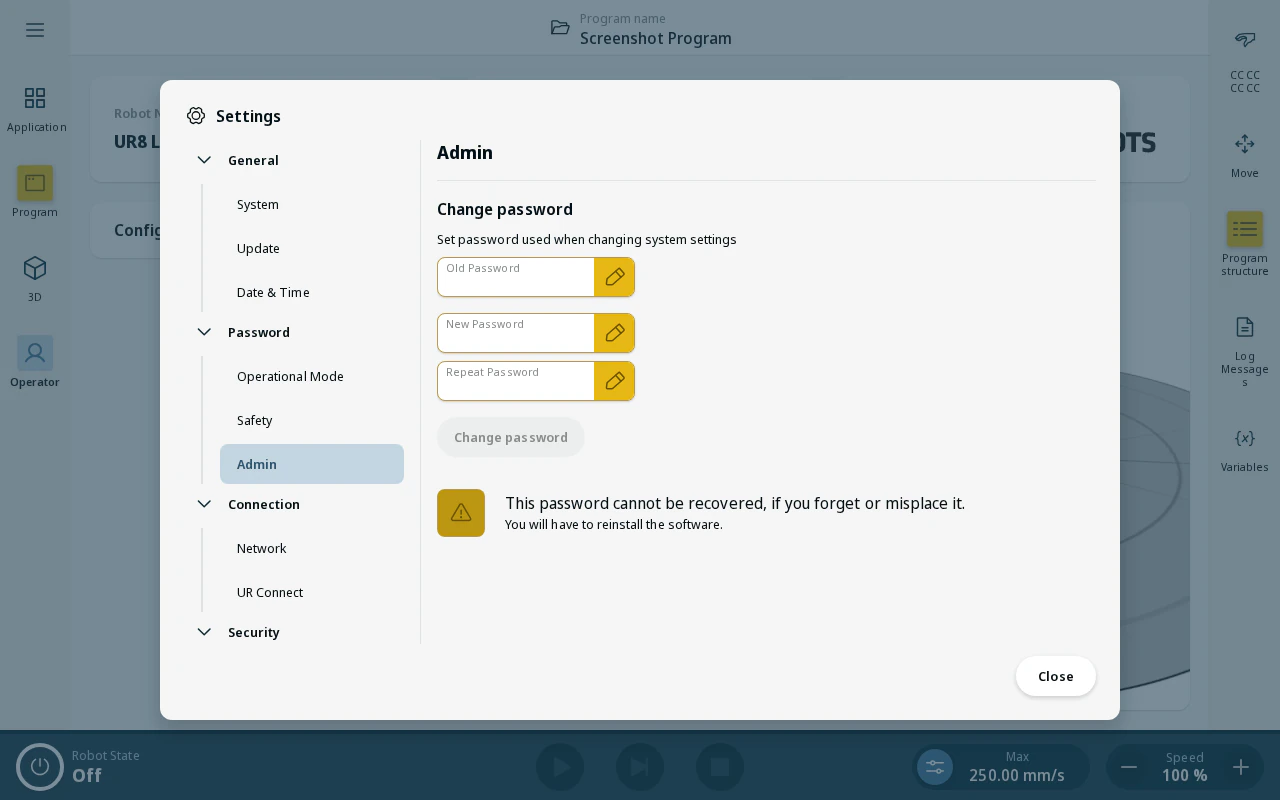
- Tap Change Password and follow the on-screen prompts to set a new admin password.
Note
Keep your admin password in a safe place. You will need it to install or update URCaps and to change system settings.